• Skip to main content
  • Skip to primary navigation
  • Contact
  • Give
  • Privacy
  • UC Berkeley
  • Accessibility
  • Nondiscrimination
Berkeley Engineering

Educating leaders. Creating knowledge. Serving society.

  • About
    • Facts & figures
    • Rankings
    • Mission & values
    • Equity & inclusion
    • Voices of Berkeley Engineering
    • Leadership team
    • Milestones
    • Facilities
    • Maps
  • Admissions
    • Undergraduate admissions
    • Graduate admissions
    • New students
    • Visit
    • Maps
    • Admissions events
    • K-12 outreach
  • Academics
    • Undergraduate programs
    • Majors & minors
    • Undergraduate Guide
    • Graduate programs
    • Graduate Guide
    • Innovation & entrepreneurship
    • Kresge Engineering Library
    • International programs
    • Executive education
  • Students
    • New students
    • Advising & counseling
    • ESS programs
    • CAEE academic support
    • Student life
    • Wellness & inclusion
    • Undergraduate Guide
    • > Degree requirements
    • > Policies & procedures
    • Forms & petitions
    • Resources
  • Research & faculty
    • Centers & institutes
    • Undergrad research
    • Faculty
  • Connect
    • Alumni
    • Industry
    • Give
    • Stay in touch
Home > Design elements library

Design elements library

The following Gutenberg blocks are available for creating advanced page designs. Many blocks contain additional customization options (backgrounds, hover effects, zooms, animations, etc.) as well as component elements that can be turned on or off (title, excerpt, image, etc.) on a per-use basis. Blocks can be used on their own, or in a row with one or more columns; widths of columns and standalone blocks are broadly adjustable. In addition to blocks, Gutenberg pages also can display a featured image/video/gallery above the title, just like Classic pages.

Advanced Text (Kadence)

Section title (H2 through H6)

Paragraph

Text, in individual paragraphs. Images, videos and other elements can be wrapped in on the left or right.

List

  • Item 1
  • Item 2
  • Item 3

Image

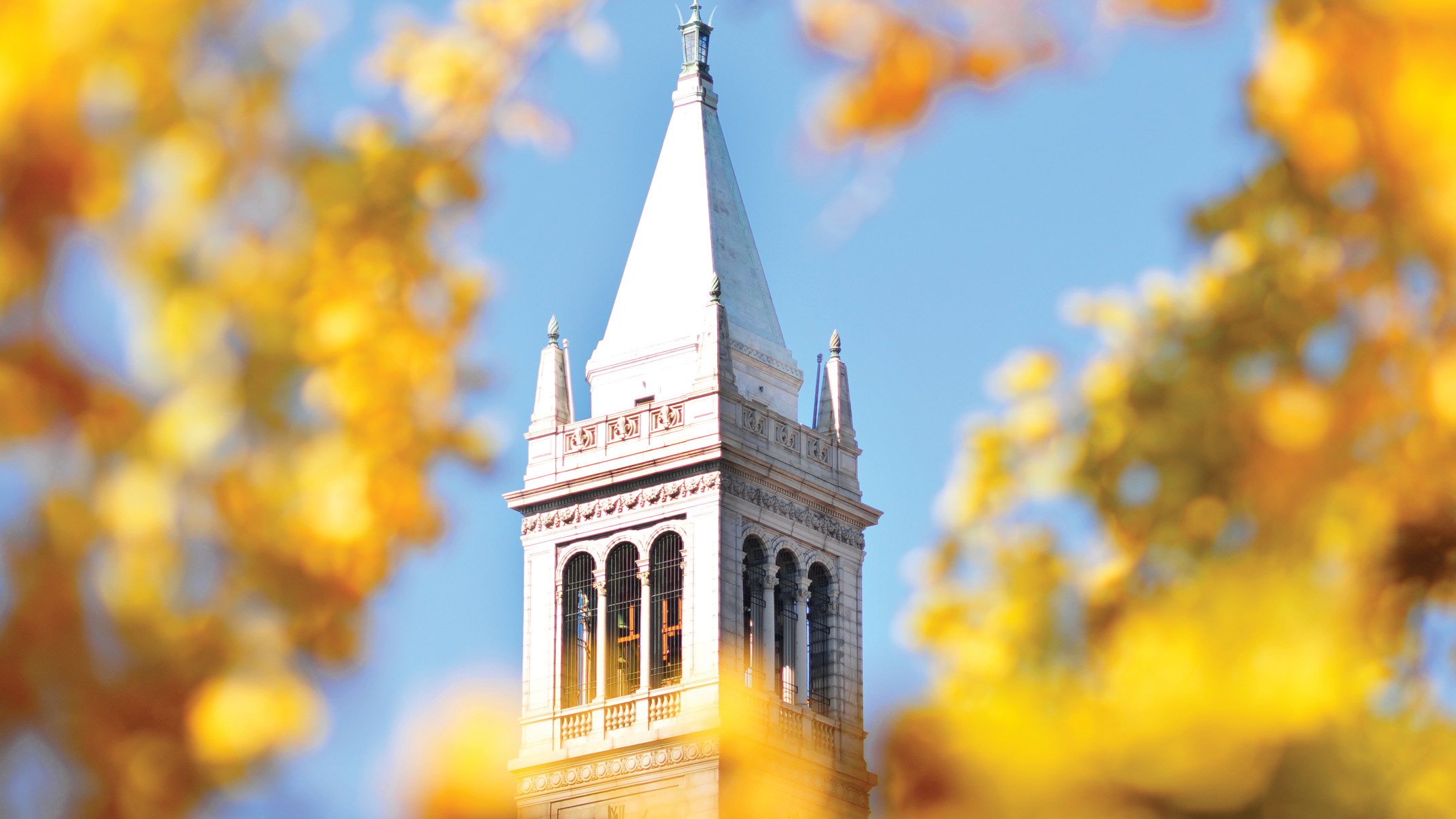
Campanile framed by golden leaves
Optional caption; photo linked to popup via .coeblock-popup on Kadence Row Layout block’s Section container. (Photo credit)

Advanced Image (Kadence)

Campanile framed by golden leaves

Row Layout (Kadence)

Column 1

Column 2

Column 3

Spacer/Divider (Kadence)


Advanced Button (Kadence)

Button 1 Button 2 Button 3

Accordion (Kadence)

Text for the first accordion tab.

Text for the second accordion tab

Tabs (Kadence)

  • Totally
  • Tabular
  • Layout

Each tab can contain any combination of blocks, including layout blocks that hold other content blocks. Through anchor tags, you can create URLs to link to and open a specific tab on a page.

It’s like getting two (or more) pages for the price of one.

Tabs have their own display setting options (background, spacing, border, typography) and several prebuilt overall options which can then be modified.

Tables

Table Block (WP core)

HEADERCOLUMN 1COLUMN 2
Stuff456789
Other stuff2,0003,000
Still more stuff4.560.789
Optional table caption

Advanced Table block (PP), sortable via Table Sorter plugin

HeaderColumn 1Column 2
Data345678
Big data1,4452,001
Data bits3.210.00005

Events (from Campus Calendar feed)

Gravity Forms

Gravity Forms demo

Info Box (Kadence)

Icon option

Lorem ipsum dolor sit amet, consectetur adipiscing elit. Aenean diam dolor, accumsan sed rutrum vel, dapibus et leo.

Learn More
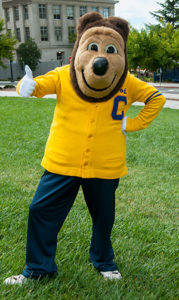
Oski giving a thumbs-up

Image option

Lorem ipsum dolor sit amet, consectetur adipiscing elit. Aenean diam dolor, accumsan sed rutrum vel, dapibus et leo.

Testimonial (Kadence)

  • “Best thing since drinking through an eyehole!”

    Then again, maybe imbibing through a long plastic tube in the middle of a public event is kinda gross. I’ll have to think some more about that.
    Oski Bear
    Beverage master

Image Overlay + Modal link (both Kadence)

Content here

Cal bear silhouette

Grrrrr

Who let the bears out?

Icon List (Kadence)

  • List item one
  • List item two
  • In addition to basic lists, we can specify different bullet icons
  • … and colors, and sizes

Icon (Kadence)

Countdown (Kadence)


Count Up (Kadence)

Title text

Post Grid/Carousel (Kadence)

(in grid, masonry or slider layouts)

Fund Future Engineers on Big Give

Published March 2, 2026
One Day. Big Impact. From student-led innovation to world-class faculty and facilities, your support keeps us at the forefront of excellence. Donate to Berkeley Engineering during our 24-hour Big Give—from 9 p.m. March 11 to 9 p.m. March 12—to help us unlock Big Matches and maximize your impact. Shape future visionaries. Donate today!
Tagshero

test article2

Published January 20, 2026
Campanile through golden leaves

Support Berkeley Engineers Today

Published February 18, 2025
In this time of growing uncertainty, your support is needed more than ever. Support Berkeley Engineering today and your gift will be matched dollar-for-dollar to ensure continued excellence and the advancement of engineering education and research. Click here to donate.
Tagshero

Split Content (Kadence)

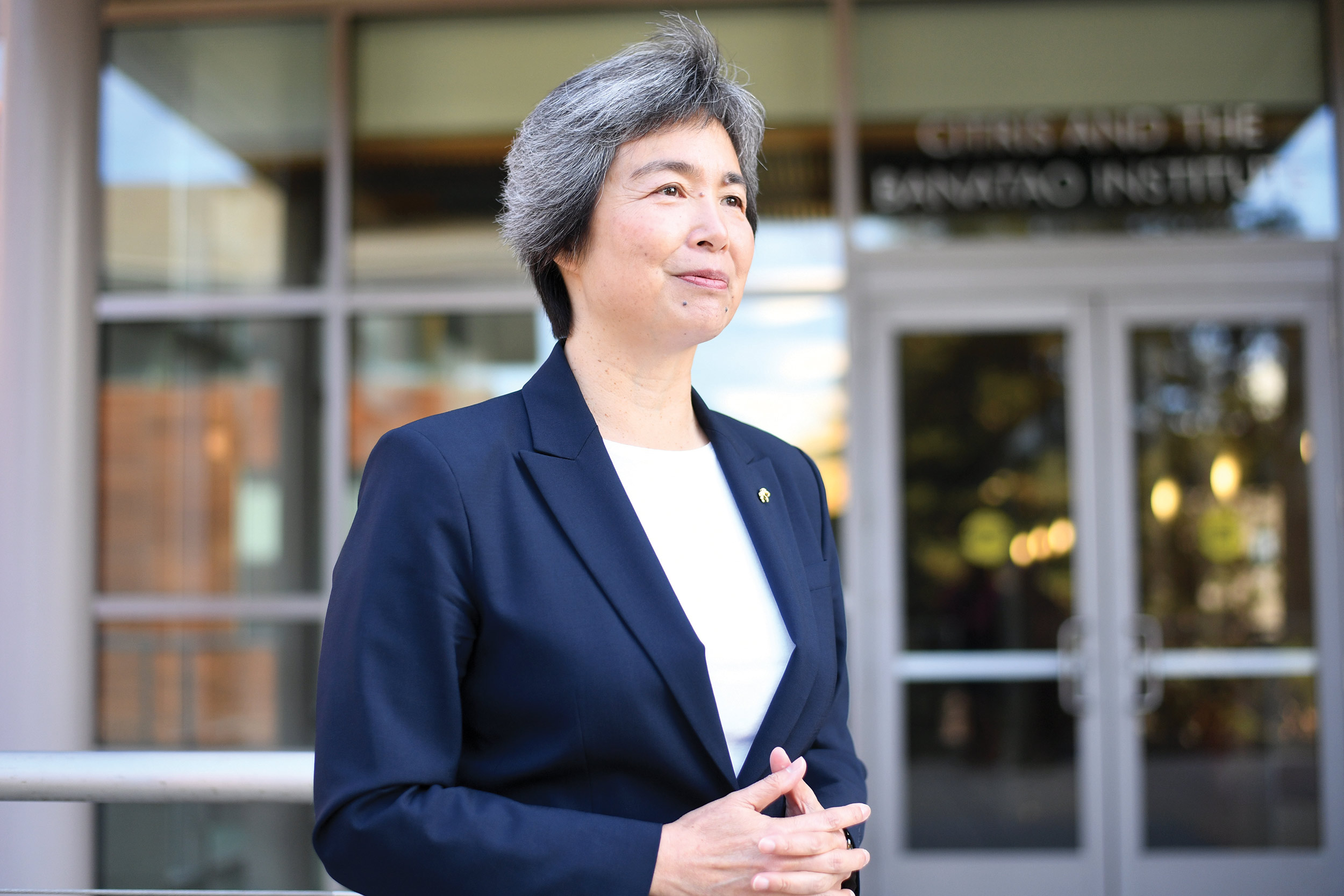
Dean Tsu-Jae King Liu

Title for split block

Any kind(s) of content block can be used in this section

Modal (Kadence)

Headline for popup

Like Tabs, the modal popup can contain blocks (content and/or layout) of any type and configuration. Instead of the button you clicked, the popup can be triggered by clicking any selected link on the page.

Icon factoid (pattern)

#

Descriptive caption for factoid

Call to action button

Video (ARVE)

Audio

Image gallery

Kadence Advanced Gallery

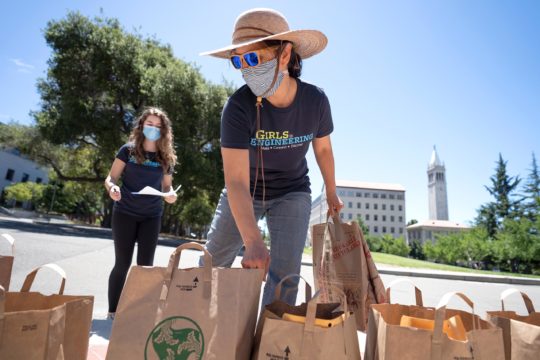
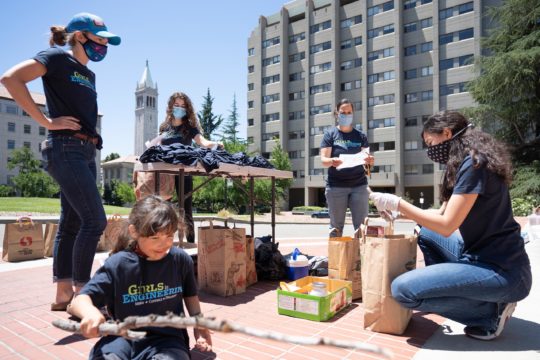
  • Anne Mayoral prepares activity kits for curbside pickup
    Anne Mayoral, Girls in Engineering program director, center, prepares activity kits for curbside pickup by camp participants and parents on Saturday, June 13. (Photo by Adam Lau/Berkeley Engineering)
  • Girls in Engineering staff prepare activity kits for curbside pickup
    Girls in Engineering staff prepare activity kits for curbside pickup by camp participants and parents on Saturday, June 13. (Photo by Adam Lau/Berkeley Engineering)
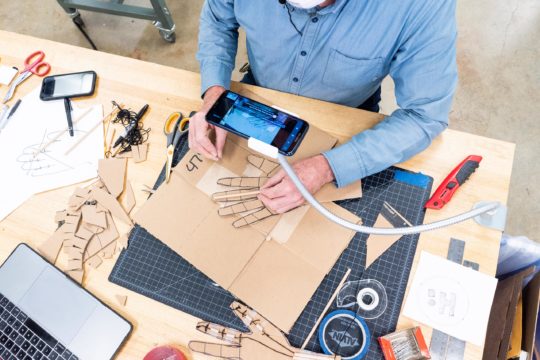
  • Chris Myers teaches campers to build prosthetic hands
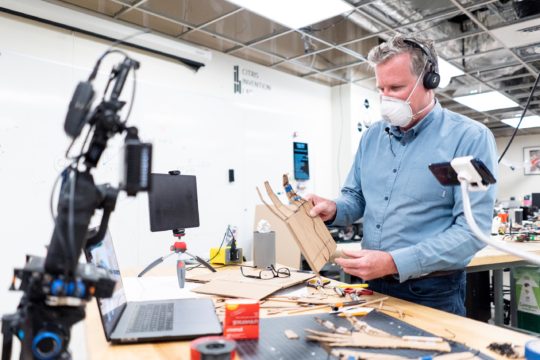
    Chris Myers, CITRIS Invention Lab manager, leads a hands-on, building activity for Girls in Engineering summer campers via Zoom on Tuesday, June 16. (Photo by Adam Lau/Berkeley Engineering)
  • Chris Myers teaches campers to build prosthetic hands
    Chris Myers, CITRIS Invention Lab manager, teaches Girls in Engineering campers how to build cardboard prosthetic hands via Zoom on Tuesday, June 16. (Photo by Adam Lau/Berkeley Engineering)
  • Anne Mayoral hosts campers on a live Zoom tour
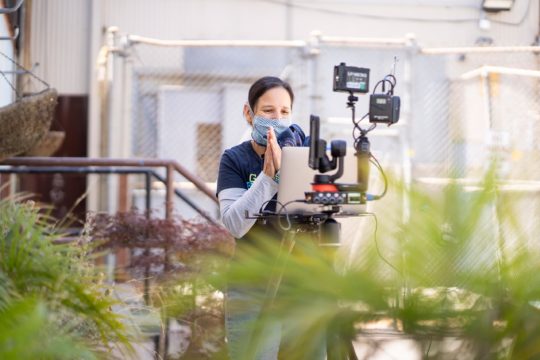
    Anne Mayoral, Girls in Engineering program director, chats with campers via Zoom outside American Steel Studios in Oakland on July 14. (Photo by Adam Lau/Berkeley Engineering)
  • Anne Mayoral hosts campers on a live Zoom tour
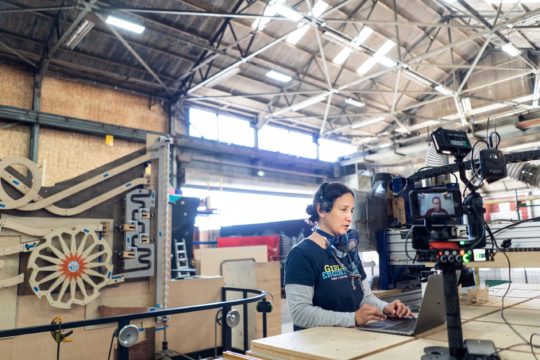
    Anne Mayoral, Girls in Engineering program director, hosts campers on a live Zoom tour inside American Steel Studios in Oakland on July 14. (Photo by Adam Lau/Berkeley Engineering)

Image slider

Soliloquy

[soliloquy id=’23000′ type=’gutenberg’]

Kadence Advanced Slider

    Caption/label overlay if desired

Kadence Advanced Gallery (carousel)

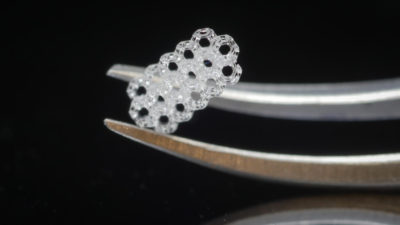
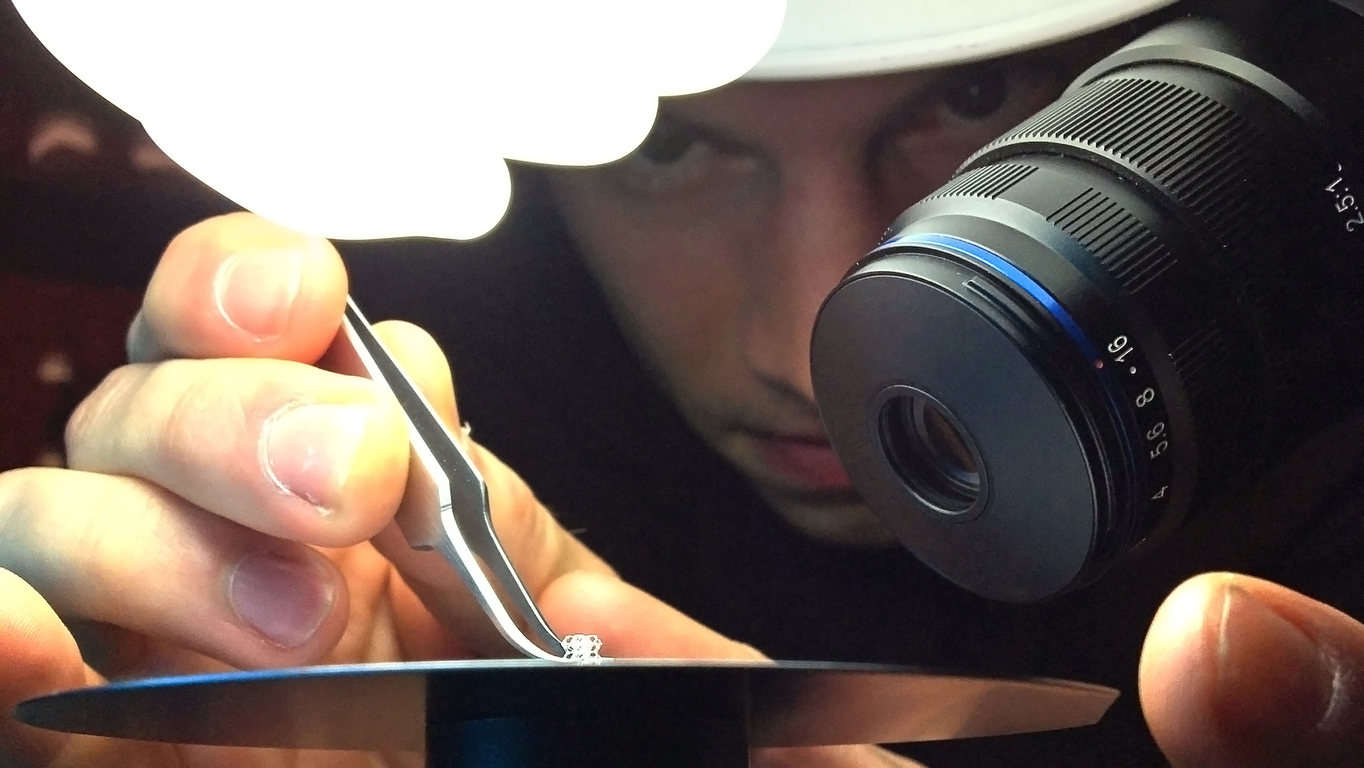
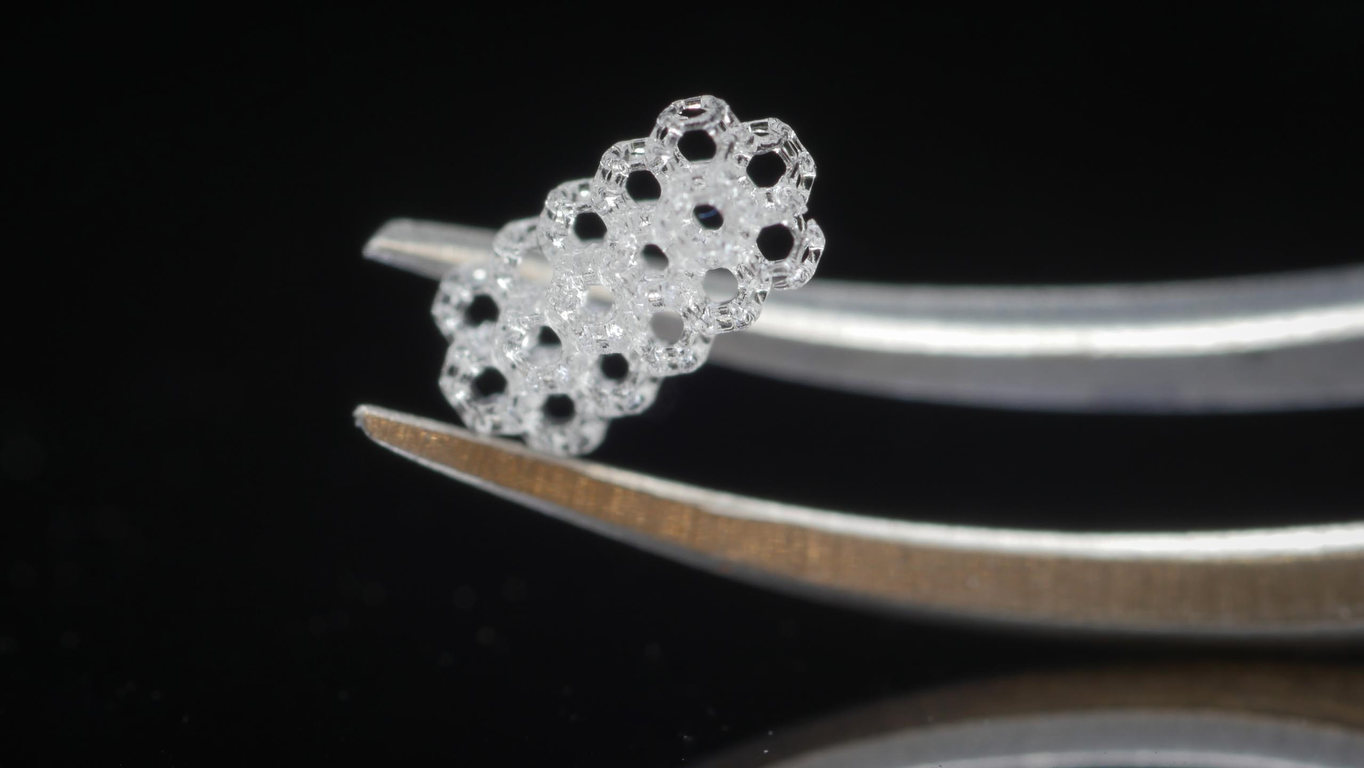
  • Graduate student Joseph Toombs uses tweezers to pick up a 3D-printed lattice structure
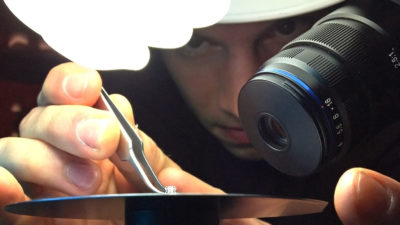
    Graduate student Joseph Toombs uses tweezers to pick up a 3D-printed lattice structure. (Photo by Adam Lau/Berkeley Engineering)
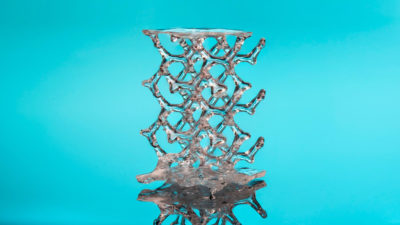
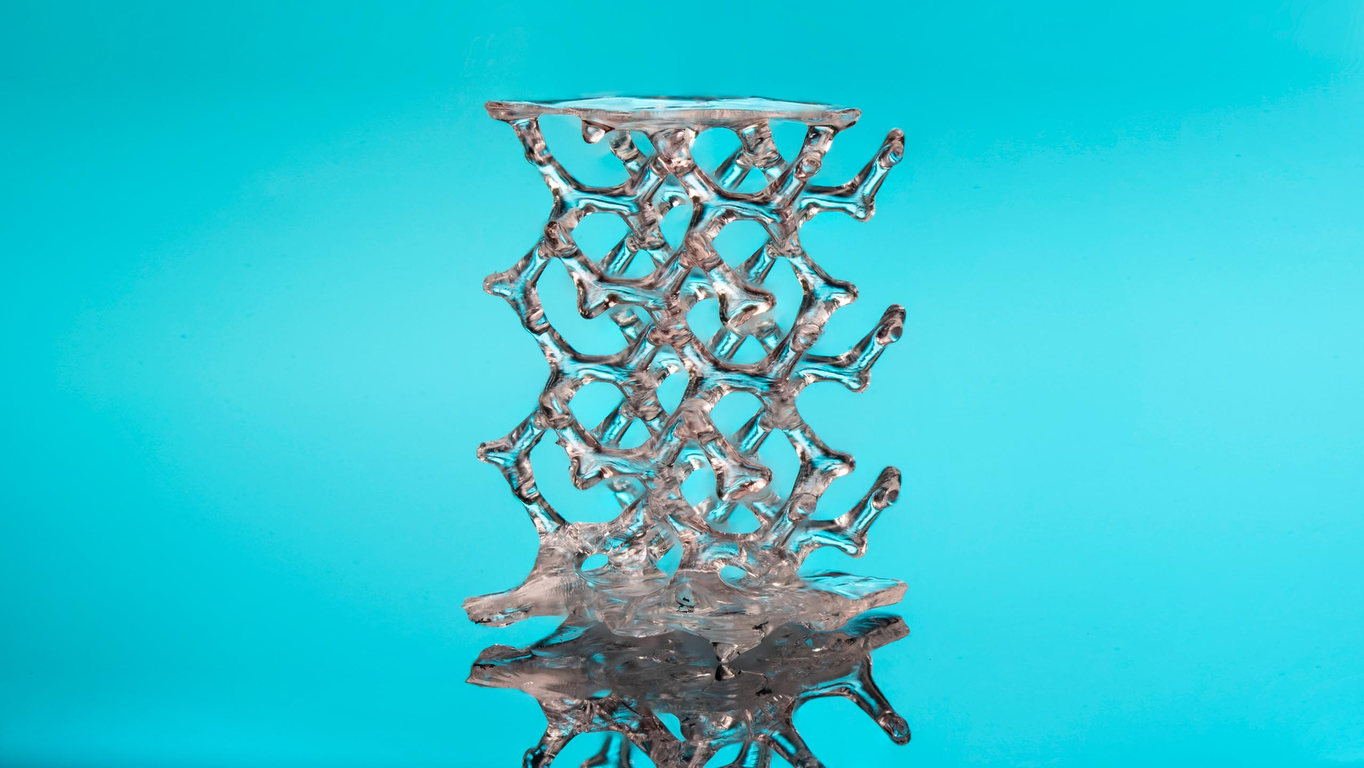
  • A 3D-printed, tetrakaidecahedron lattice structure
    A 3D-printed, tetrakaidecahedron lattice structure. (Photo by Adam Lau/Berkeley Engineering)
  • Graduate student Joseph Toombs cradles a 3D-printed, lattice structure with a pair of tweezers
    Graduate student Joseph Toombs cradles a 3D-printed, lattice structure with a pair of tweezers in the lab. (Photo by Joseph Toombs)
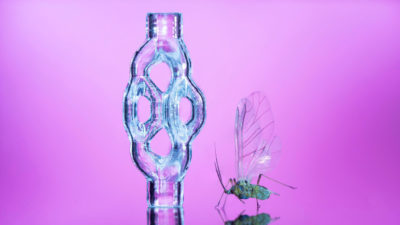
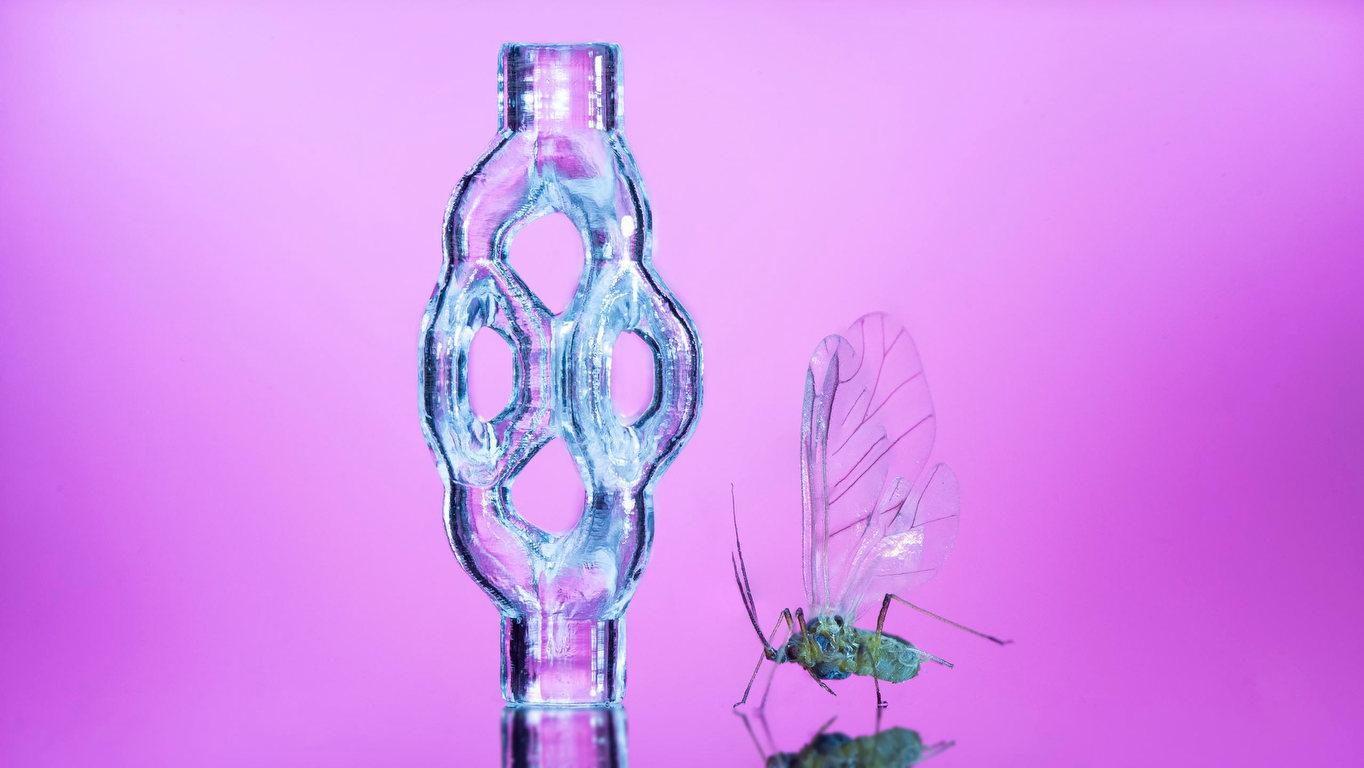
  • 3D-printed, trifurcated microtubule model
    A 3D-printed, trifurcated microtubule model displayed beside a gnat. (Photo by Adam Lau/Berkeley Engineering)
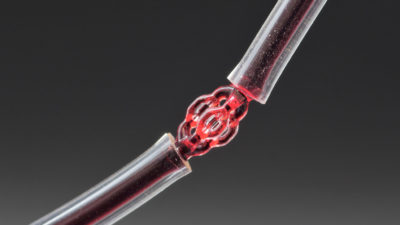
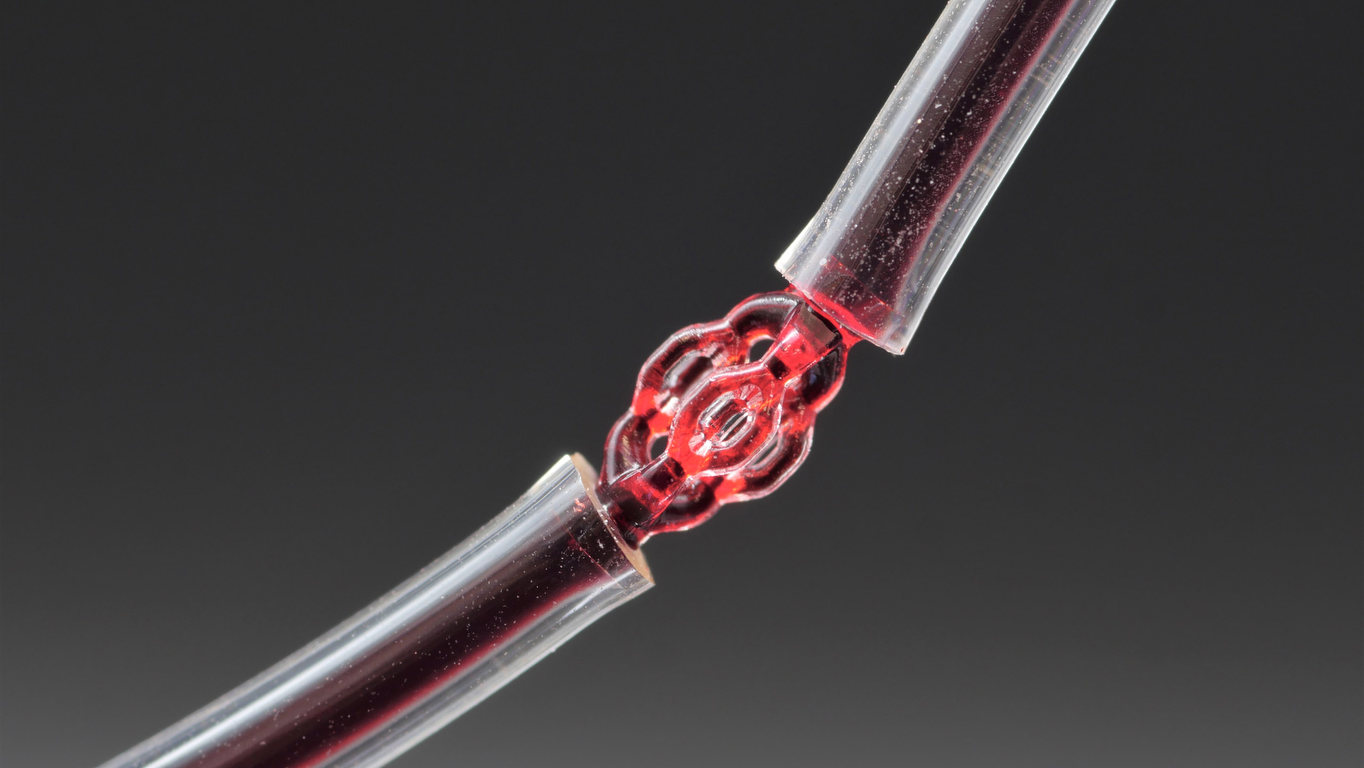
  • Red dye runs through a VAM-printed trifurcated microtubule model
    Red dye runs through a VAM-printed trifurcated microtubule model. (Photo by Adam Lau/Berkeley Engineering)
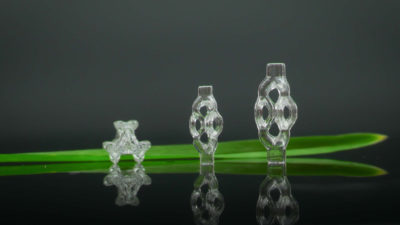
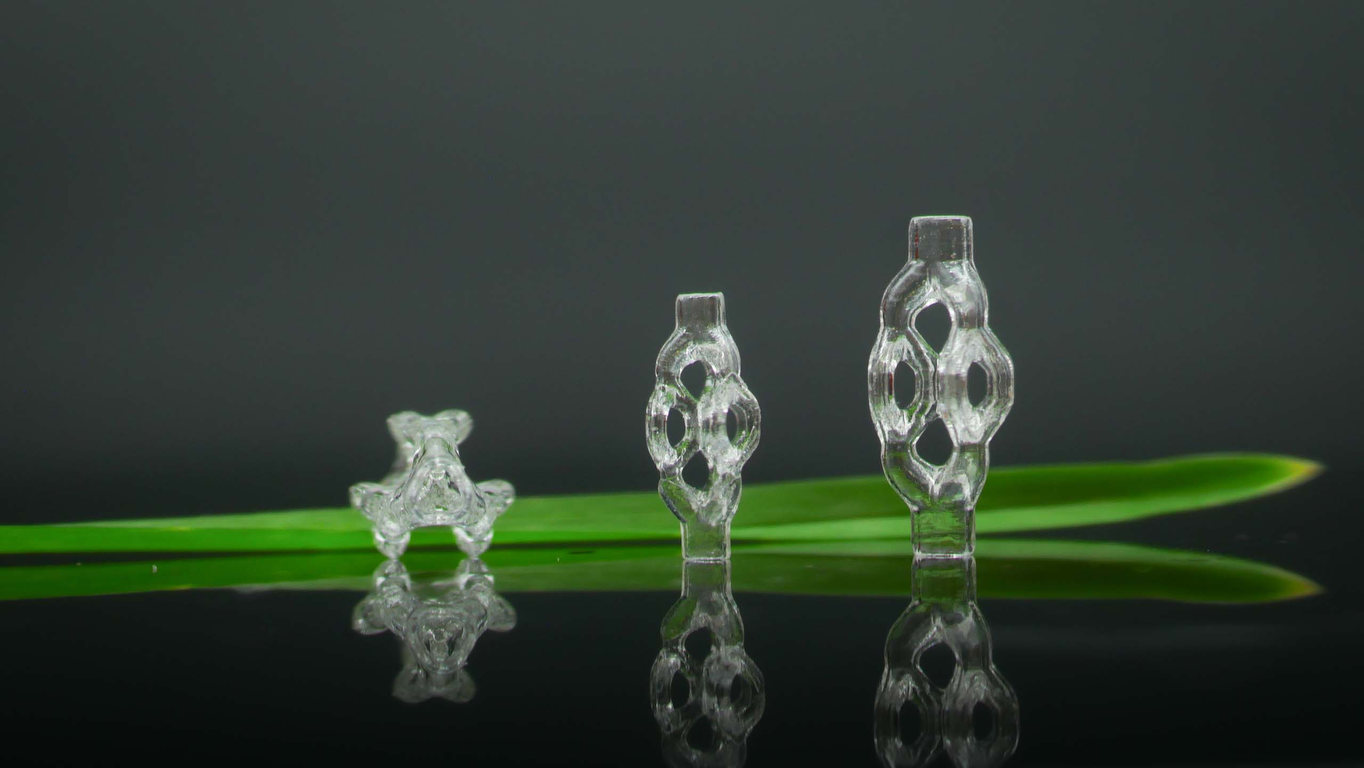
  • 3D-printed, trifurcated microtubule models, displayed beside a blade of grass
    3D-printed, trifurcated microtubule models, displayed beside a blade of grass. (Photo by Joseph Toombs)
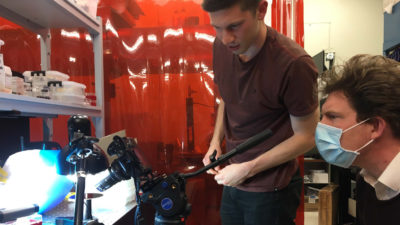
  • Joseph Toombs and Hayden Taylor film a 3D-printed glass sample on a rotation stage
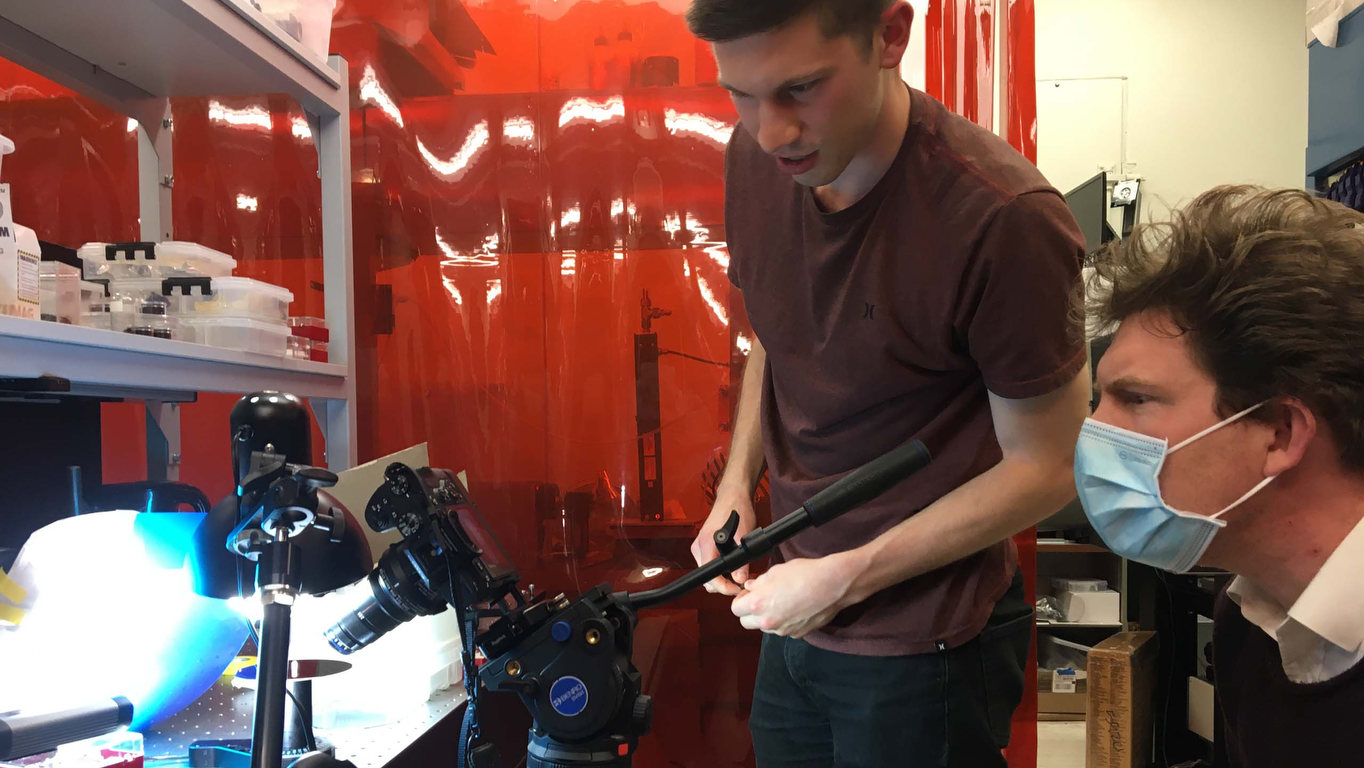
    Mechanical engineering graduate student Joseph Toombs and professor Hayden Taylor, from left, film a 3D-printed glass sample on a rotation stage. (Photo by Adam Lau/Berkeley Engineering)
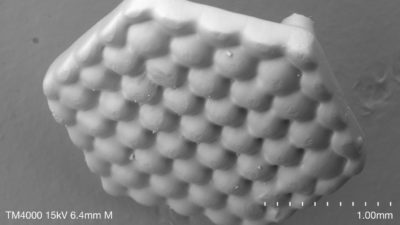
  • Scanning electron micrograph of a 3D-printed, hexagonal microlens array
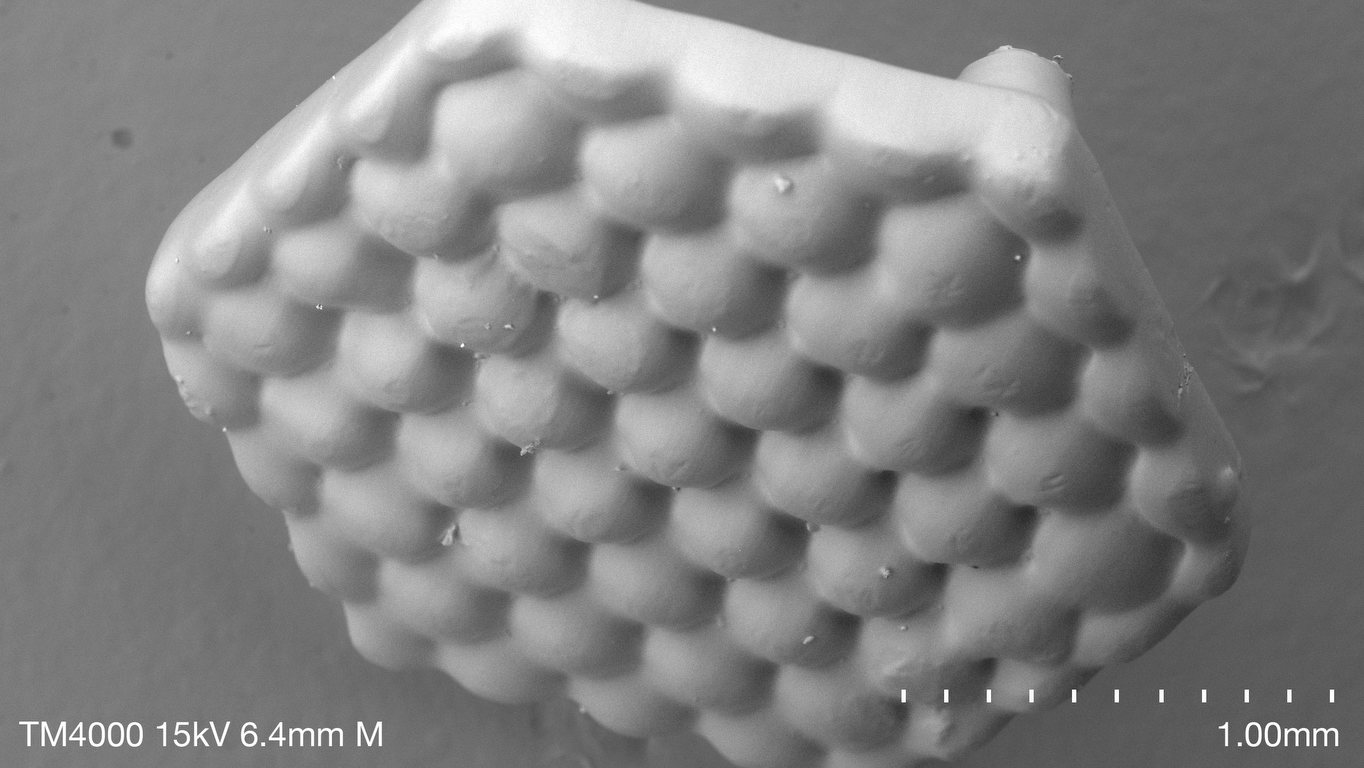
    Scanning electron micrograph of a 3D-printed, hexagonal microlens array. (Photo by Joseph Toombs)
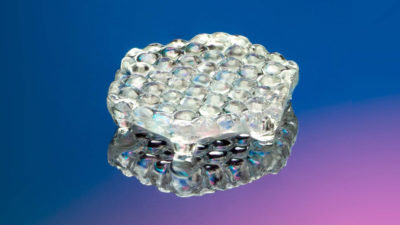
  • 3D-printed, hexagonal microlens array
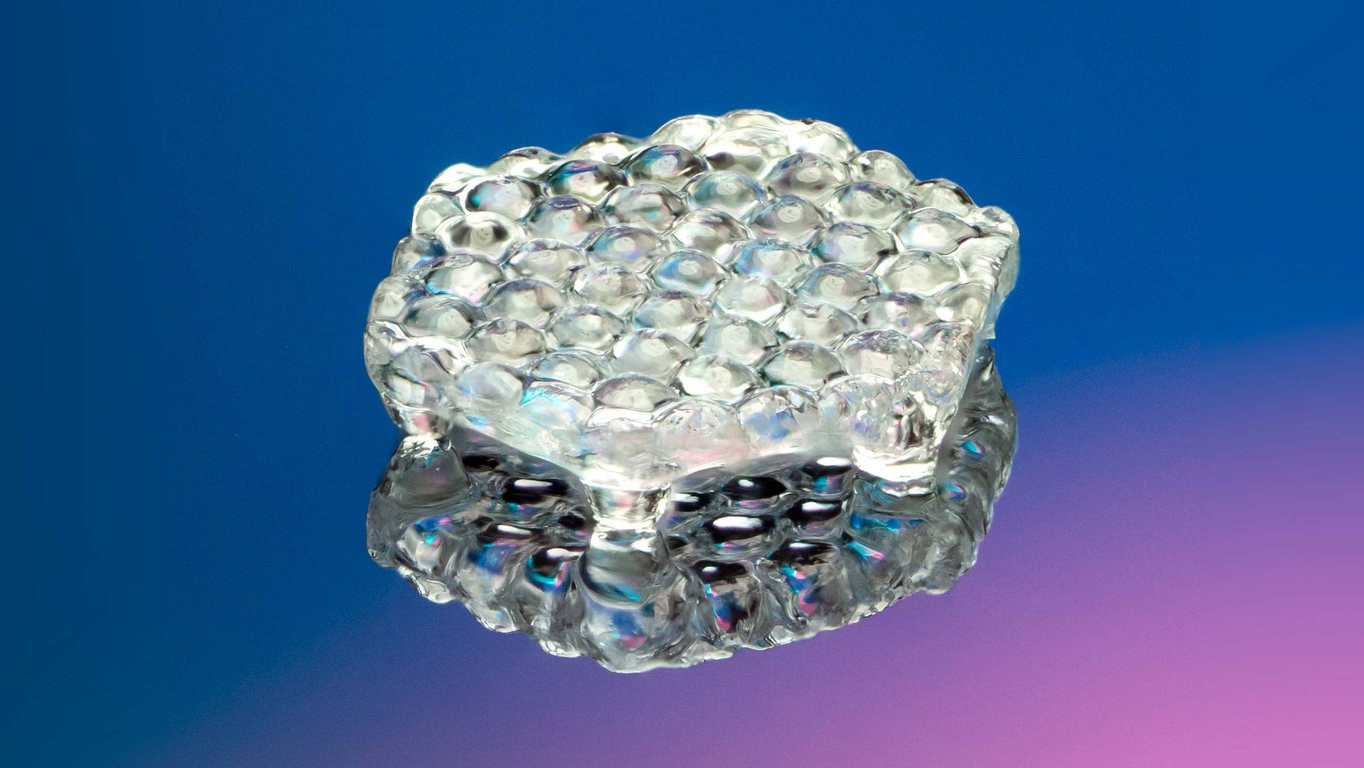
    A 3D-printed, hexagonal microlens array. (Photo by Adam Lau/Berkeley Engineering)
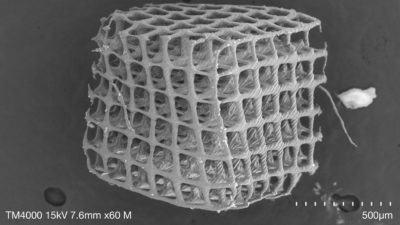
  • Scanning electron micrograph of cubic lattice with 20 micrometer lattice members
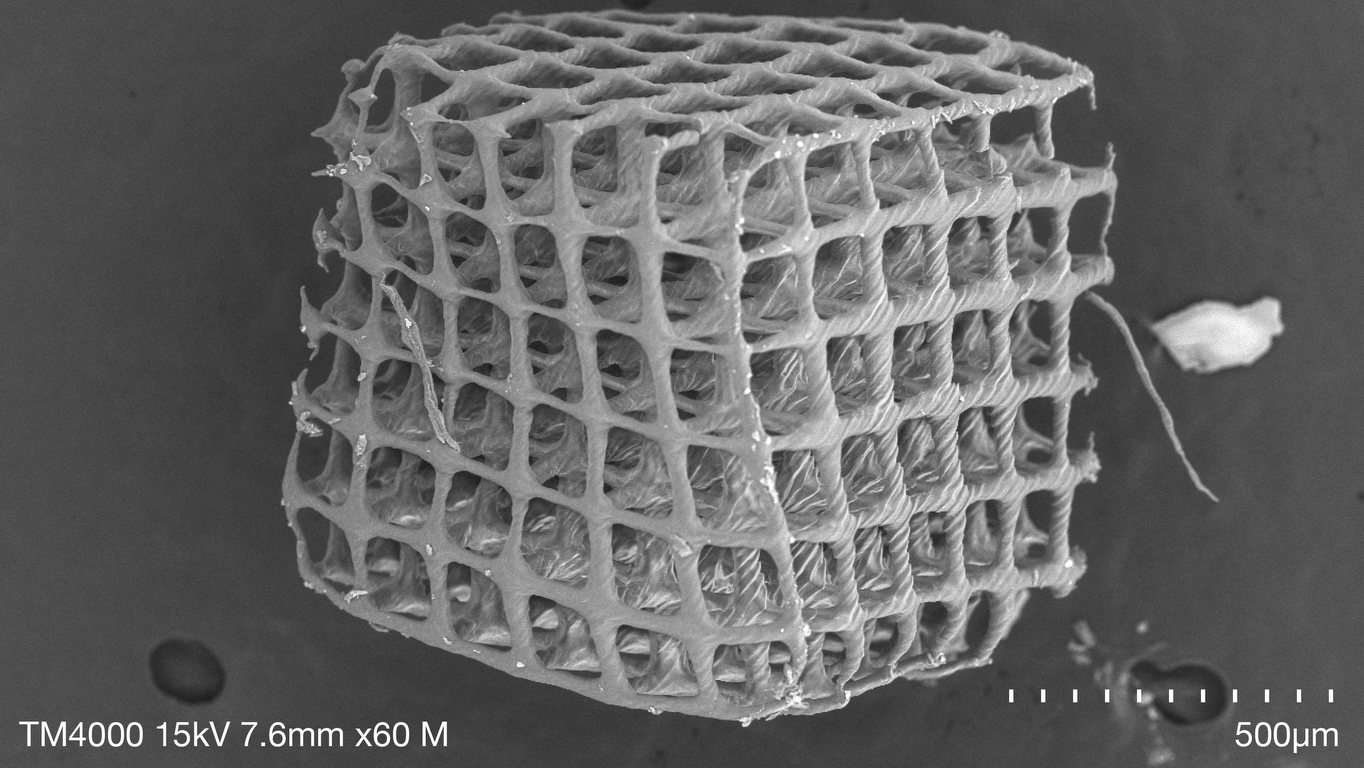
    Scanning electron micrograph of cubic lattice with 20 micrometer lattice members. (Photo by Joseph Toombs)
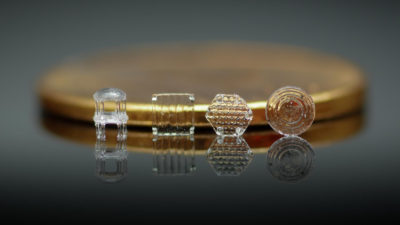
  • 3D-printed microlens models
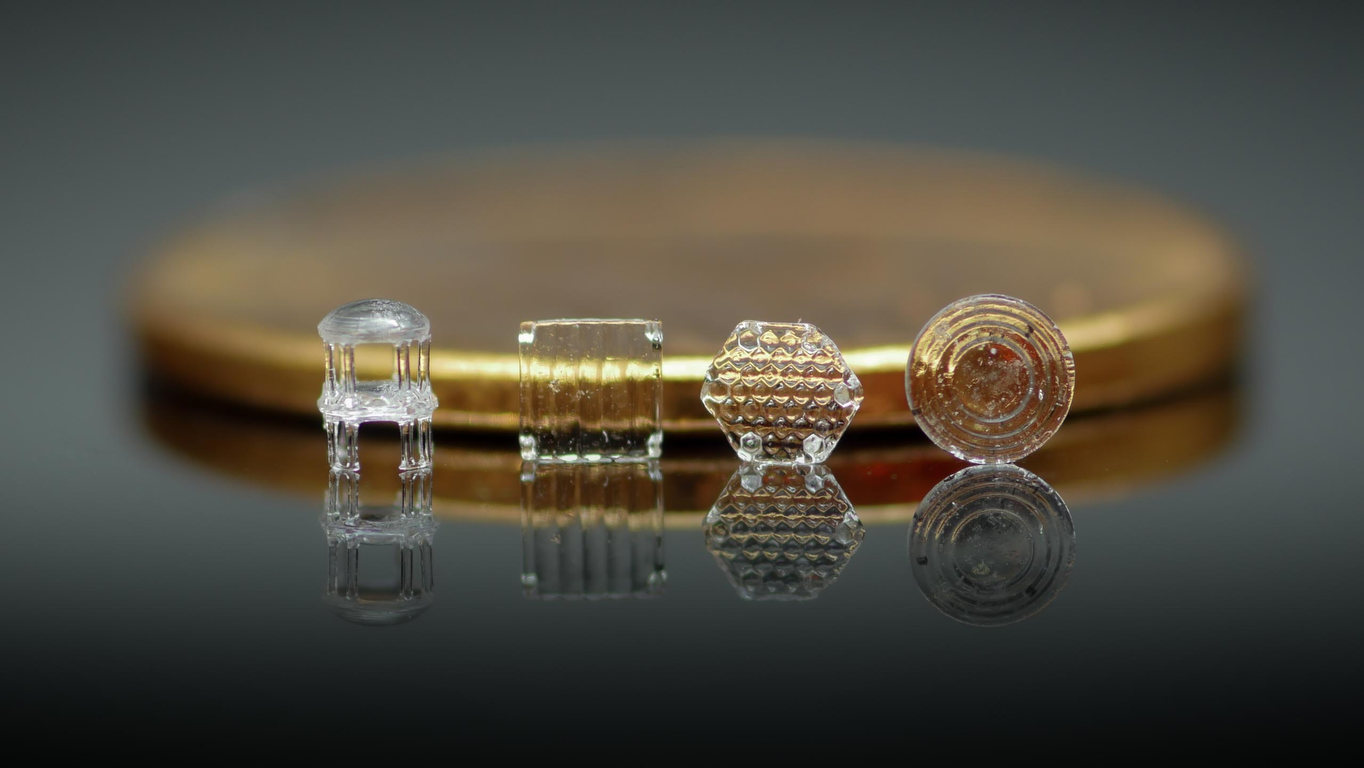
    3D-printed microlens models. (Photo by Joseph Toombs)
  • Graduate student Joseph Toombs uses tweezers to pick up a 3D-printed lattice structure
  • A 3D-printed, tetrakaidecahedron lattice structure
  • Graduate student Joseph Toombs cradles a 3D-printed, lattice structure with a pair of tweezers
  • 3D-printed, trifurcated microtubule model
  • Red dye runs through a VAM-printed trifurcated microtubule model
  • 3D-printed, trifurcated microtubule models, displayed beside a blade of grass
  • Joseph Toombs and Hayden Taylor film a 3D-printed glass sample on a rotation stage
  • Scanning electron micrograph of a 3D-printed, hexagonal microlens array
  • 3D-printed, hexagonal microlens array
  • Scanning electron micrograph of cubic lattice with 20 micrometer lattice members
  • 3D-printed microlens models
  • Contact
  • Give
  • Privacy
  • UC Berkeley
  • Accessibility
  • Nondiscrimination
  • instagram
  • X logo
  • linkedin
  • facebook
  • youtube
© 2026 UC Regents